> ## Documentation Index
> Fetch the complete documentation index at: https://dataleap-469bb19d-docs-from-commits-2026-08-19-upload-limits.mintlify.site/llms.txt
> Use this file to discover all available pages before exploring further.
# Users, teams & organization
> The Management side of the admin panel: members and roles, teams, and organization-wide defaults.
Admins get their own area at `app.dataleap.ai/admin`. The **Management** section covers who's in the workspace and what applies to everyone.
## Members & roles
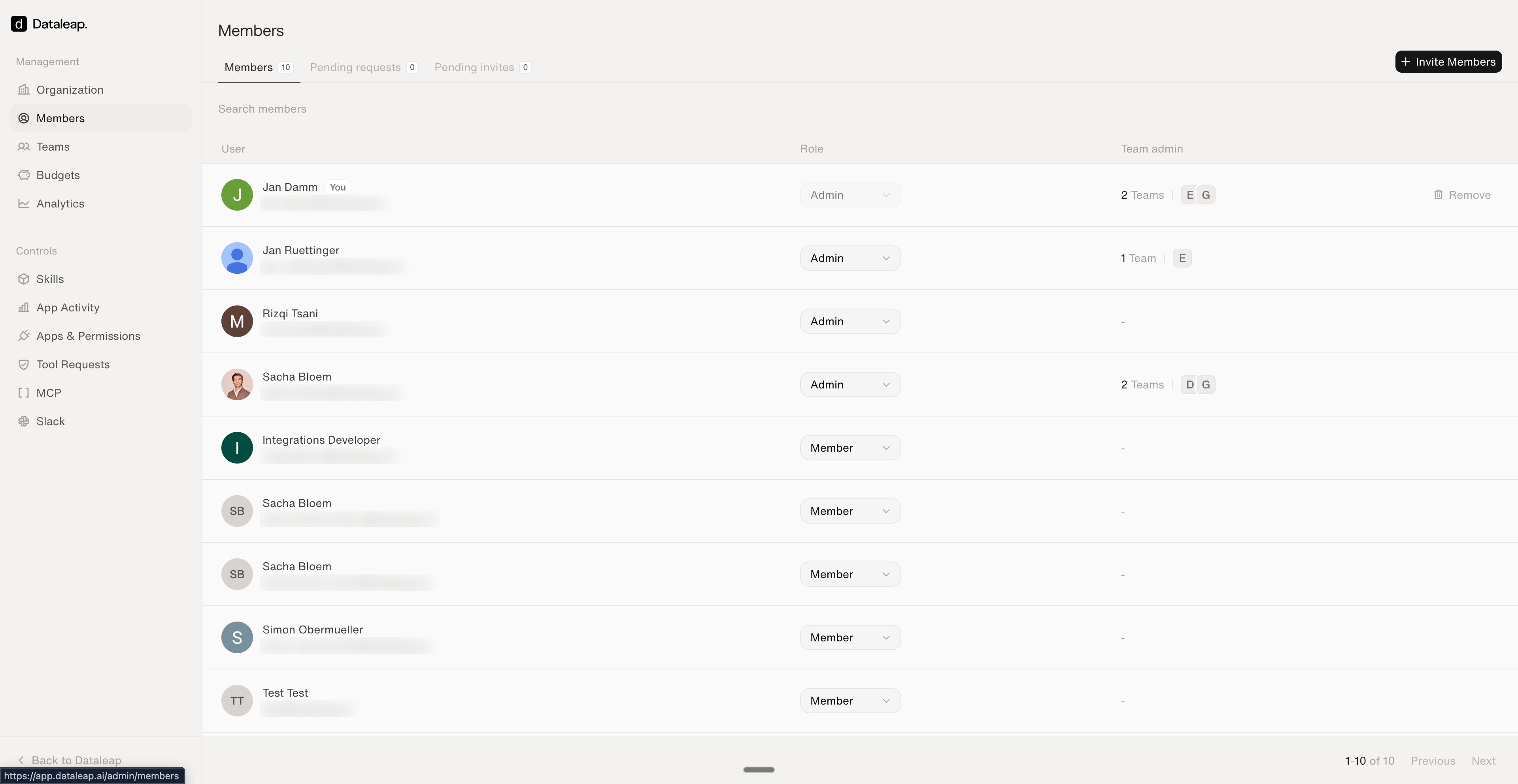
Invite people, assign roles, and manage access:
* **Roles:** every member is an **Admin** or a **Member** — switchable per person.
* **Team admins:** members can additionally administer specific teams (shown per user).
* **Invite Members** handles new joiners; pending requests and invites have their own tabs.
 ## Teams
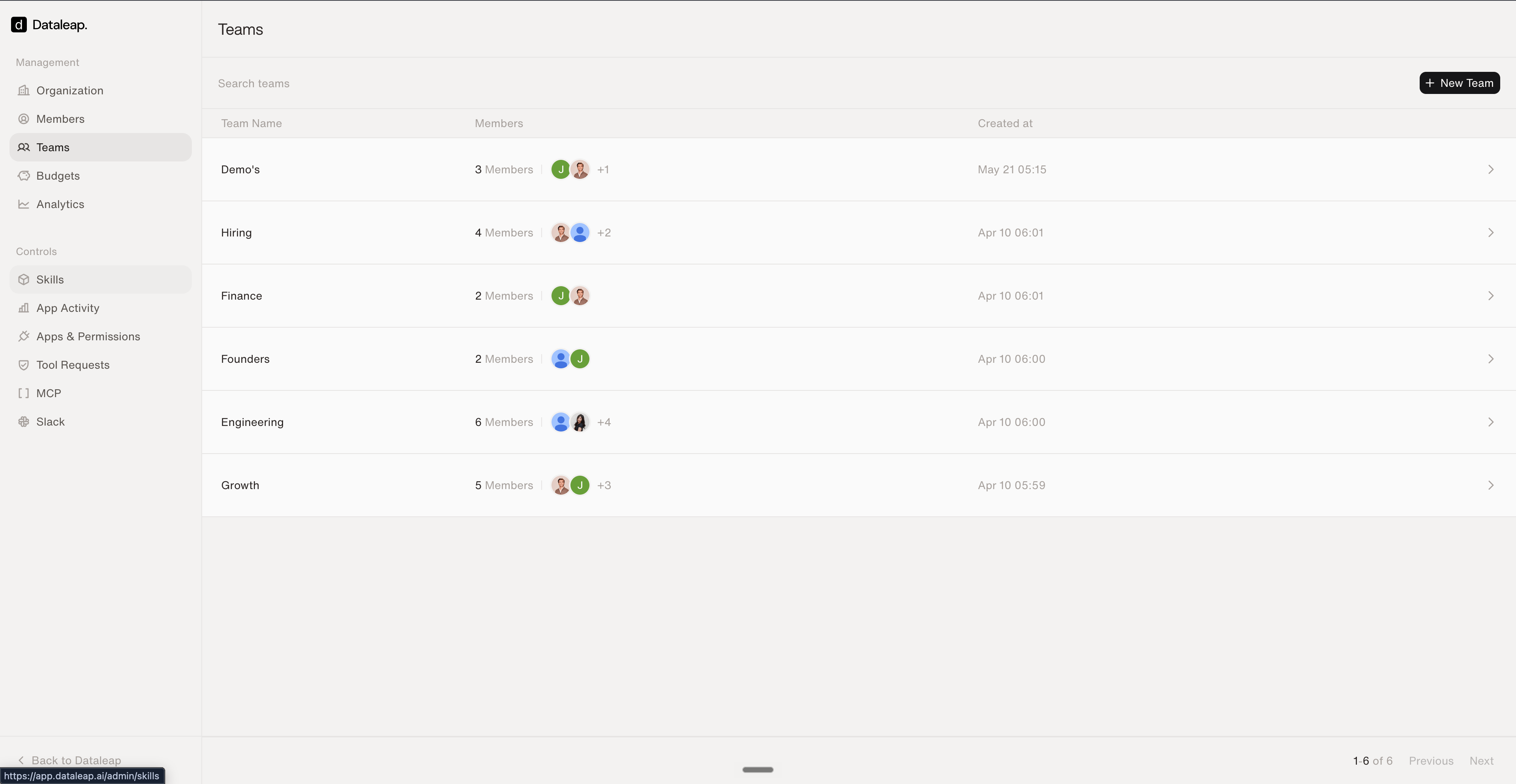
Create and manage [team spaces](/share/team-spaces) centrally — see every team, its members, and when it was created.
## Teams
Create and manage [team spaces](/share/team-spaces) centrally — see every team, its members, and when it was created.
 ## Organization defaults
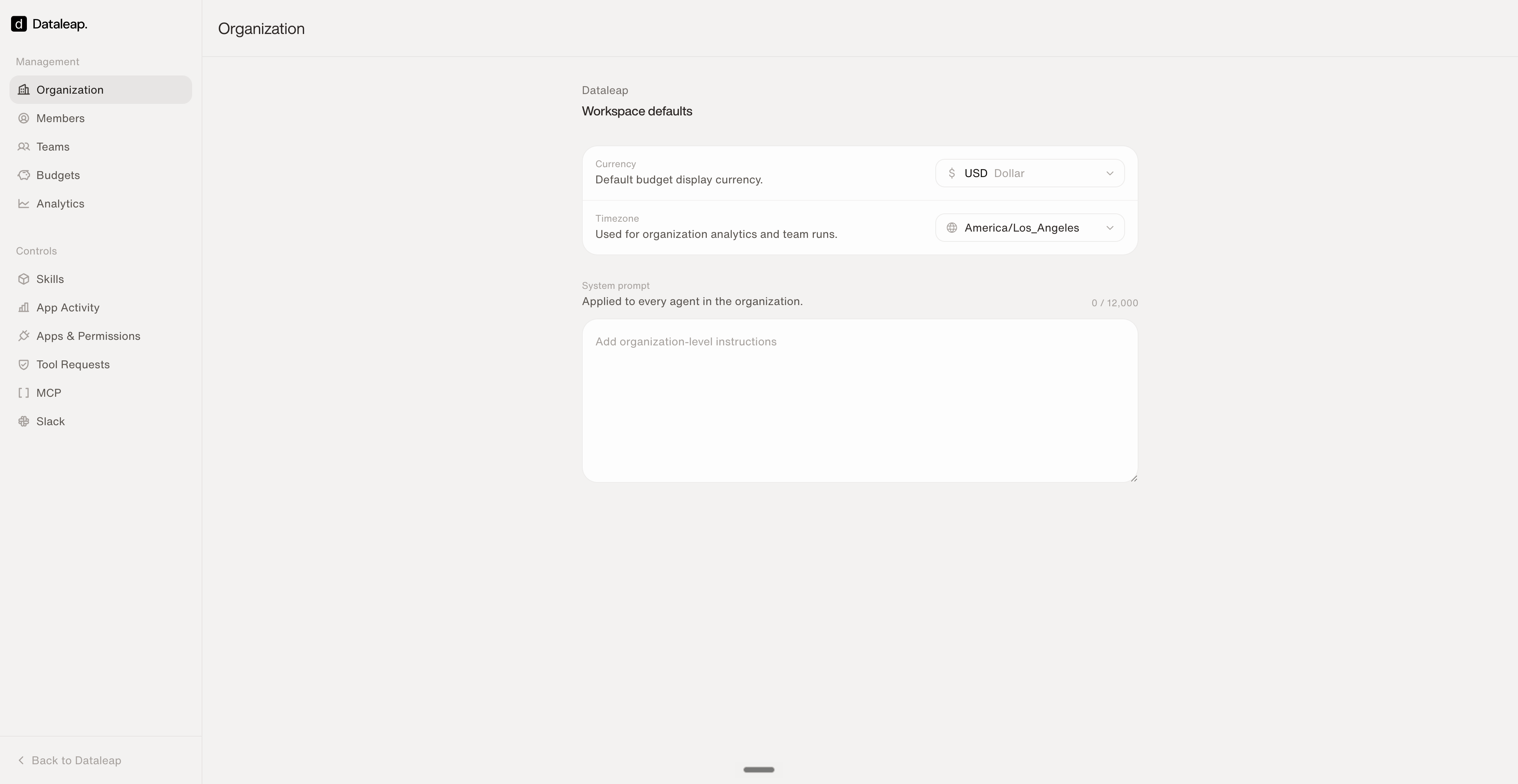
The **Organization** page sets what applies to every agent in the workspace:
* **Workspace defaults** — display currency and the timezone used for analytics and team runs.
* **System prompt** — organization-level instructions **applied to every agent in the organization** (up to 12,000 characters). The place for company-wide rules: working language, PII handling, tone. Builders never have to remember them; every agent gets them automatically.
## Organization defaults
The **Organization** page sets what applies to every agent in the workspace:
* **Workspace defaults** — display currency and the timezone used for analytics and team runs.
* **System prompt** — organization-level instructions **applied to every agent in the organization** (up to 12,000 characters). The place for company-wide rules: working language, PII handling, tone. Builders never have to remember them; every agent gets them automatically.
 Dataleap supports **EU data residency** for organizations that require it.
Next: budgets and analytics.
Control which tools agents can use.
Dataleap supports **EU data residency** for organizations that require it.
Next: budgets and analytics.
Control which tools agents can use.